How Each Payment Method Compares at bk22
Deposit and withdrawal times are the same whichever method you choose — the difference is in how you access each service. Pick the one you already use day to day.
- Method Min Deposit Deposit Credit Withdrawal Credit
- bKash ৳150 ~1 min ~23 min
- Nagad ৳150 ~1 min ~23 min
- Rocket ৳150 ~1 min ~23 min
- Upay ৳150 ~1 min ~23 min
- Bank Transfer ৳150 Up to a few hours Up to a few hours
Withdrawal time shown is the platform processing time — roughly 23 minutes after you submit a request. Your mobile wallet or bank may add a short clearance window on their end, but most players see funds arrive well within the hour.
Quick Facts at a Glance
Before diving into individual methods, here are the numbers that matter most for any bk22 deposit. These apply regardless of which payment channel you pick.
The ৳150 minimum is set so that even a small top-up qualifies. There is no maximum limit stated per transaction on our end, though your mobile wallet or bank may impose its own daily cap.
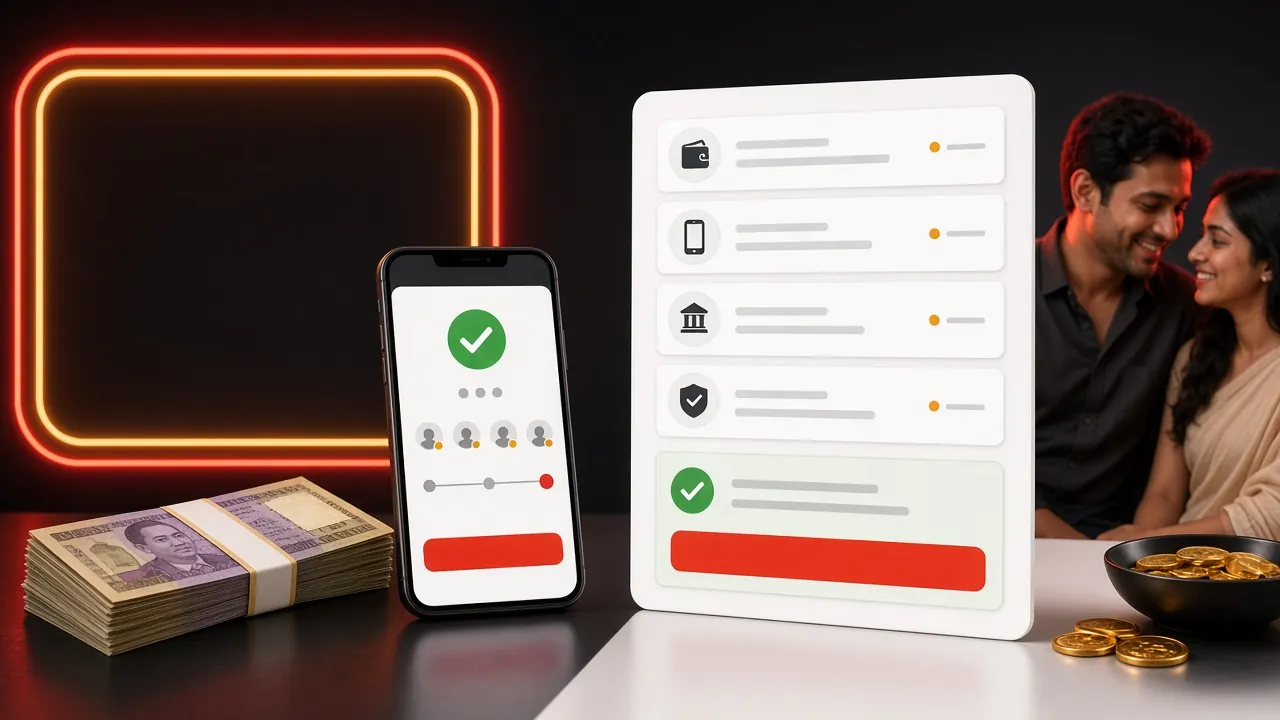
All Payment Methods – Side by Side
Use this table to choose the method that fits your situation. All five are accepted on bk22 for both deposit and withdrawal.
| Method | Min Deposit | Credit Time | Fee | Works on Mobile |
|---|---|---|---|---|
| bKash | ৳150 | ~1 minute | Free | App & USSD |
| Nagad | ৳150 | ~1 minute | Free | App & USSD |
| Rocket | ৳150 | ~1 minute | Free | App & USSD |
| Upay | ৳150 | ~1 minute | Free | App only |
| Bank Transfer | ৳150 | Up to a few hours | Bank fees may apply | Mobile banking app |
Tip: For the fastest top-up, use bKash or Nagad — both credit your bk22 wallet in roughly one minute. Bank Transfer is the right choice when you need to move a larger sum that exceeds your mobile wallet's daily limit.
How to Deposit via bKash
bKash is the most widely used mobile wallet in Bangladesh, and bk22 supports it natively. The whole process takes about 90 seconds.
-
1
Log in and open the Cashier
Go to your bk22 account. Tap the wallet icon in the top bar, then select Deposit from the cashier menu.
-
2
Choose bKash as your method
From the payment list, tap bKash. The page shows the merchant number to send to and the reference code — keep both on screen.
-
3
Send money through your bKash app
Open bKash, tap Send Money, enter the merchant number displayed on bk22, type the amount (minimum ৳150), then paste the reference code in the reference field.
-
4
Enter the transaction ID back on bk22
After bKash confirms, copy the transaction ID (TrxID) from the success screen. Paste it into the bk22 deposit form and tap Submit.
-
5
Wait for confirmation
Your bk22 balance updates in about one minute. You will see a green notification in the app or browser. If it takes longer than five minutes, contact Live Chat.
How to Deposit via Nagad
Nagad is operated by Bangladesh Post Office and has grown rapidly as a low-fee option. The deposit flow on bk22 mirrors bKash closely.
-
1
Open Deposit in the cashier
Log in to bk22 and navigate to Cashier → Deposit, the same as any other method.
-
2
Select Nagad from the list
Tap Nagad. Note the recipient number and your personal deposit reference code shown on screen.
-
3
Send via the Nagad app or USSD
Use Nagad's Send Money feature, enter the number and your amount (min ৳150), include the reference code in the note field, then confirm with your Nagad PIN.
-
4
Submit the transaction ID
Copy the Nagad confirmation number and paste it into the bk22 deposit form. Hit Submit to trigger the credit check.
How to Deposit via Rocket
Rocket (from Dutch-Bangla Bank) supports both app-based and USSD transfers — handy if your phone is on a slower data connection.
-
1
Go to Cashier → Deposit → Rocket
Select Rocket from the payment options inside your bk22 cashier. Note the merchant number and reference code displayed.
-
2
Dial *322# or use the Rocket app
Via USSD: dial *322#, choose Send Money, enter the merchant number, then follow prompts. Via app: open Rocket, tap Send Money and fill in the same details.
-
3
Add the reference code and confirm
Enter the reference code when prompted, confirm the amount (min ৳150) and approve with your Rocket PIN.
-
4
Submit the Rocket TrxID on bk22
Paste your Rocket transaction ID into the bk22 form and submit. Balance credits within one minute.
How to Deposit via Upay
Upay is an app-only wallet linked to UCB bank. It is a solid choice if you already use UCB for your everyday banking.
-
1
Select Upay in the bk22 cashier
Open Cashier → Deposit, pick Upay, and copy the merchant number and reference code.
-
2
Open Upay and tap Send Money
Enter the bk22 merchant number, set the amount (min ৳150), and add the reference code in the remark field.
-
3
Confirm and submit the TrxID
Approve with your Upay PIN, then paste the transaction ID back on bk22 and hit Submit. Credit arrives in about one minute.
How to Deposit via Bank Transfer
Bank Transfer suits players who need to move a large amount that exceeds mobile wallet daily caps. Processing takes longer than mobile wallets — budget a few hours.
-
1
Request bank details from Live Chat
Bank account numbers rotate for security. Open bk22's 24/7 Live Chat and ask for the current deposit bank account details before transferring.
-
2
Initiate the transfer via your bank app
Use your bank's mobile app or internet banking. Enter the account number provided, the amount (min ৳150), and use your bk22 username as the remark.
-
3
Share the transfer receipt with support
Send a screenshot of the transfer confirmation to Live Chat. The team manually checks and credits your bk22 wallet. Timing depends on inter-bank processing.
Remember: For Bank Transfer, always confirm the account number with Live Chat first. Using an outdated account number is the most common reason bank deposits get delayed.
Why Does a bk22 Deposit Fail — and What to Do
Most failed deposits have a simple fix. Below are the most frequent causes and the fastest resolution for each one.
- Wrong reference code: The reference code links your payment to your account. If you skip it or type it incorrectly, the system cannot match the funds. Double-check the code shown on bk22 before confirming the payment.
- Amount below ৳150: Any transfer under the minimum is automatically rejected. Add a few taka buffer to stay above the threshold.
- Mobile wallet daily limit reached: bKash, Nagad and Rocket all have their own daily send limits. If you have already hit your wallet's cap, switch to Bank Transfer or wait until midnight for the limit to reset.
- Sending from the wrong number: Your bk22 account must be linked to the mobile number you are sending from. Sending from a different number means support cannot auto-verify the payment.
- Transaction ID not submitted: The payment lands in the merchant wallet but bk22 never credits your account until you submit the TrxID in the form. Always complete this last step.
- Network timeout during confirmation: If your app crashed before you saw the TrxID, check your mobile wallet's transaction history to retrieve it, then submit it on bk22.
If none of these fixes work, open Live Chat and share your mobile number, the amount sent, the approximate time, and any screenshot you have. The support team is available 24/7 and can resolve most cases within minutes.
Questions Players Ask Before Their First Deposit
What is the minimum deposit on bk22?
The minimum deposit is ৳150. This applies to all payment methods: bKash, Nagad, Rocket, Upay and Bank Transfer. There is no processing fee on the bk22 side, so ৳150 sent equals ৳150 credited.
How long does a bk22 deposit take to show up?
Mobile wallet deposits (bKash, Nagad, Rocket, Upay) typically credit within one minute after you submit the transaction ID. Bank Transfer can take several hours depending on inter-bank clearing. If a mobile wallet deposit is not showing after five minutes, contact Live Chat with your TrxID.
Is there a deposit fee?
bk22 does not charge any deposit fee. However, your mobile wallet provider may charge a small send-money fee on their end — check your bKash or Nagad app for the current rate. For Bank Transfer, your bank's standard BEFTN or RTGS charge may apply.
Can I claim the welcome bonus on my first deposit?
Yes. Your first deposit is eligible for a 110% Welcome Bonus up to ৳13,000. The bonus amount is credited automatically to your promotional wallet. Wagering requirement is 10× the bonus amount. Make sure you have not already received a deposit bonus before topping up — once a bonus is claimed on a deposit, it cannot be reversed.
Do I need to do anything extra for my first deposit?
No special steps are needed for a first deposit — just follow the standard process for your chosen method. Document verification (NID, Passport or Driving Licence) is only required before your first withdrawal, not before depositing. So you can fund your account and start playing right away.
What if I sent money but forgot to enter the transaction ID?
Your funds are held safely in the merchant wallet. Go back to the bk22 cashier, open the deposit form for the same method, and enter the TrxID from your wallet's transaction history. If the form is no longer accessible, contact 24/7 Live Chat with the TrxID and your registered mobile number.
Can I deposit using someone else's bKash account?
bk22 requires that the mobile number on the sending wallet matches the number registered on your account. Deposits from a different number may be delayed and require manual verification by support. For the smoothest experience, always use your own registered number.
Is the bk22 APK needed to make a deposit?
No. You can deposit from any browser on your phone or desktop. The bk22 APK offers a faster and more convenient experience, but it is not a requirement. The browser-based cashier works on any device.
Related Guides
Ready to Make Your First bk22 Deposit?
Open an account in two minutes, top up from ৳150 via bKash or Nagad, and your 110% Welcome Bonus up to ৳13,000 is waiting. No complex forms — just your mobile number and a PIN.